RULE YOUR INBOX.
Not the other way around.
You're receiving too many emails from sources you trust and do business with. You want them, but they bury important emails you need to see.
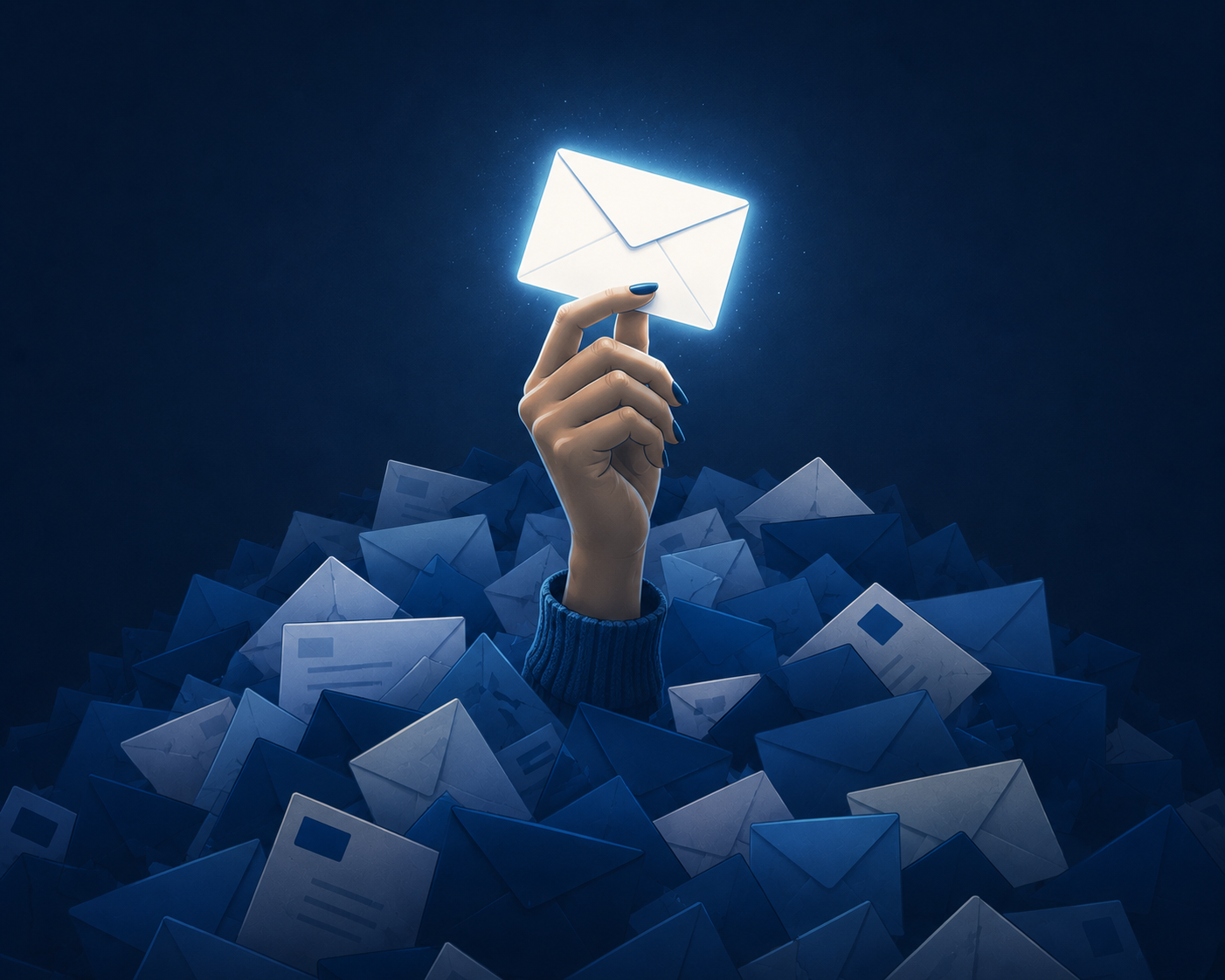
Folders fixes that.
Every email has it's place.
Organize emails into smart folders that separate the important ones from the noise.
Contacts
High-priority messages from family, friends, colleagues, and customers that never get buried in the clutter.
Trusted Companies
All the company email you expect — their invoices, offers, and updates — separated for easy review.
Custom Rules & Folders
Design an inbox structure that matches how you think, work, and prioritize. Every email lands where they belong.
Phishing Scam Alert
Phishing detection helps identify harmful emails with detailed threat indicators and alerts.
Block and Unsubscribe
Stop unwanted senders at the source with easy block and unsubscribe controls built into Folders.
Auto-delete
Auto-delete emails older than 30 days, 60 days, or never — whichever rule fits your workflow.
AI Assist
Use AI Assist to polish email replies with a variety of tones without sending your content to big tech.
Custom Theme
Create custom themes and switch between them with a click of a button so your inbox looks and feels the way you want.
Sync Devices
As a Premium users you can sync rules, themes, and folders across Windows, Mac, Android, iOS and Linux.
Your privacy is not a feature.
It's the foundation.
No email content leaves your machine.
Every byte stays where it belongs: with you and your email provider.
Local Storage
All email messages are stored locally on your computer — not our servers.
Secure Authentication
Your password is hashed and stored on your device only — never transmitted.
End to End Encryption
Your email is for your eyes only. Encryption works with any email address while using Folders.
No Mining
No advertising. No data mining. No training big tech’s AI on your life.
Private AI
AI writing assistant and sorting runs locally via llama.cpp.
Sync Safety
Our sync server stores only preferences — never email content.
Custom Themes
Make Folders unmistakably yours.
Start with a clean workspace or completely transform it. Customize colors, gradients, transparency, backgrounds, wallpapers, controls, panels, and more — then save your design as a reusable theme.
- • Layer transparent panels over your own wallpaper
- • Add gradients to headers, controls, panels, and buttons
- • Tune colors, borders, typography, spacing, and corner radius
- • Export themes and move your designs between devices

Peacock
Stream your favorite shows
Apr 30, 2026, 8:35 AM
Fandango
Watch for free: Trending
Apr 30, 2026, 8:35 AM
Disney +
What's on this week
Apr 30, 2026, 8:35 AM
Beachlife Festival
Invitation to event
Apr 30, 2026, 8:35 AM
Rotten Tomatoes
First reviews on
Apr 30, 2026, 8:35 AM
Click to view messages here.
Traditional email-client with white messages, grey chrome look.
SIMPLE. HONEST. AFFORDABLE.
Take Folders for a test drive.Upgrade when you're ready.
30 DAY TRIAL PERIOD
- 1 email account
- Smart folder sorting
- Custom rules & folders
- Design your own theme
- AI writing assistant
- Phishing detection
- Block & auto-delete
PREMIUM
per month · cancel anytime
- Up to 10 email accounts
- End to End Encryption
- Sync across 5 devices
- Priority support
- Refer and earn